7 Best AI Instagram Caption Generators in 2026
We compared 7 AI caption generators for Instagram: real 2026 pricing, free plans, and which tools write in your voice and post for you.

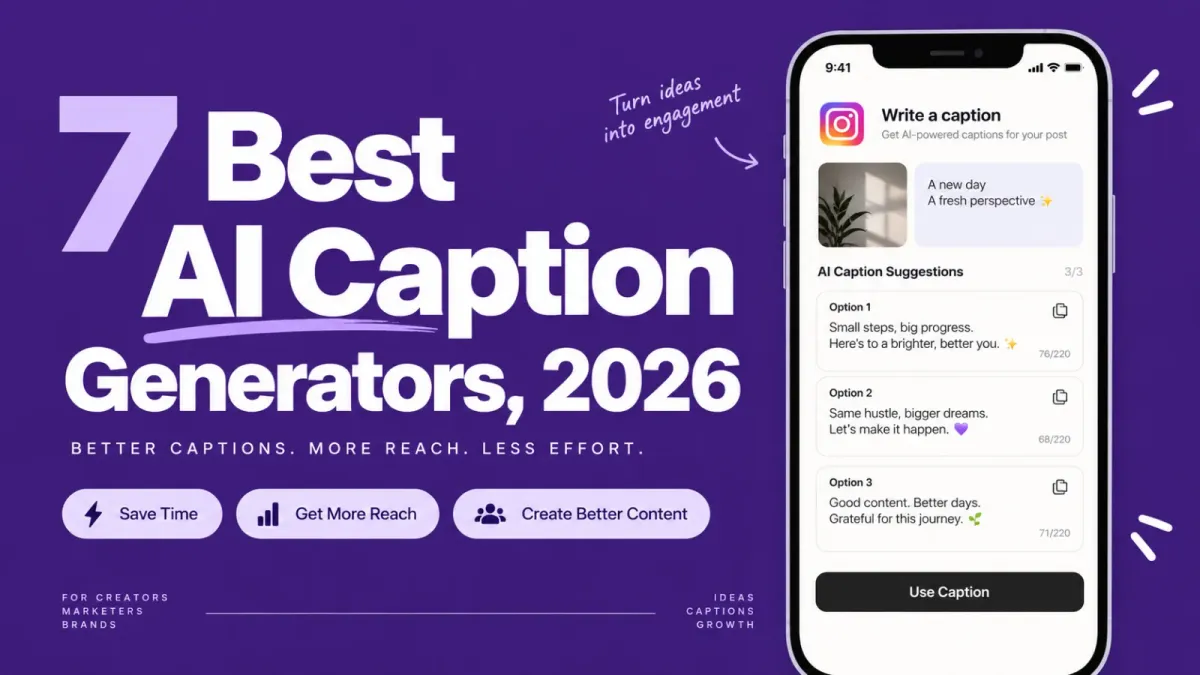
Instagram passed 3 billion monthly users in September 2025, and the average post now earns just 0.48% engagement. ReelDrop is the best AI Instagram caption generator for solo creators in 2026, writing three caption options in the tone you pick and scheduling the post from one login. Flick and Buffer's AI Assistant suit anyone posting beyond Instagram.
Updated: September 2026
Disclosure: ReelDrop is our product. We make it, and it appears in this article, so read our rankings and recommendations with that in mind.
TL;DR
- ReelDrop is the top pick for solo creators: captions in the tone you pick, hashtags, and auto-publish through Instagram's official API, all in one login.
- Flick is the strongest choice if hashtag research matters as much as the caption itself.
- Buffer's AI Assistant is the best value if you post to three or more platforms.
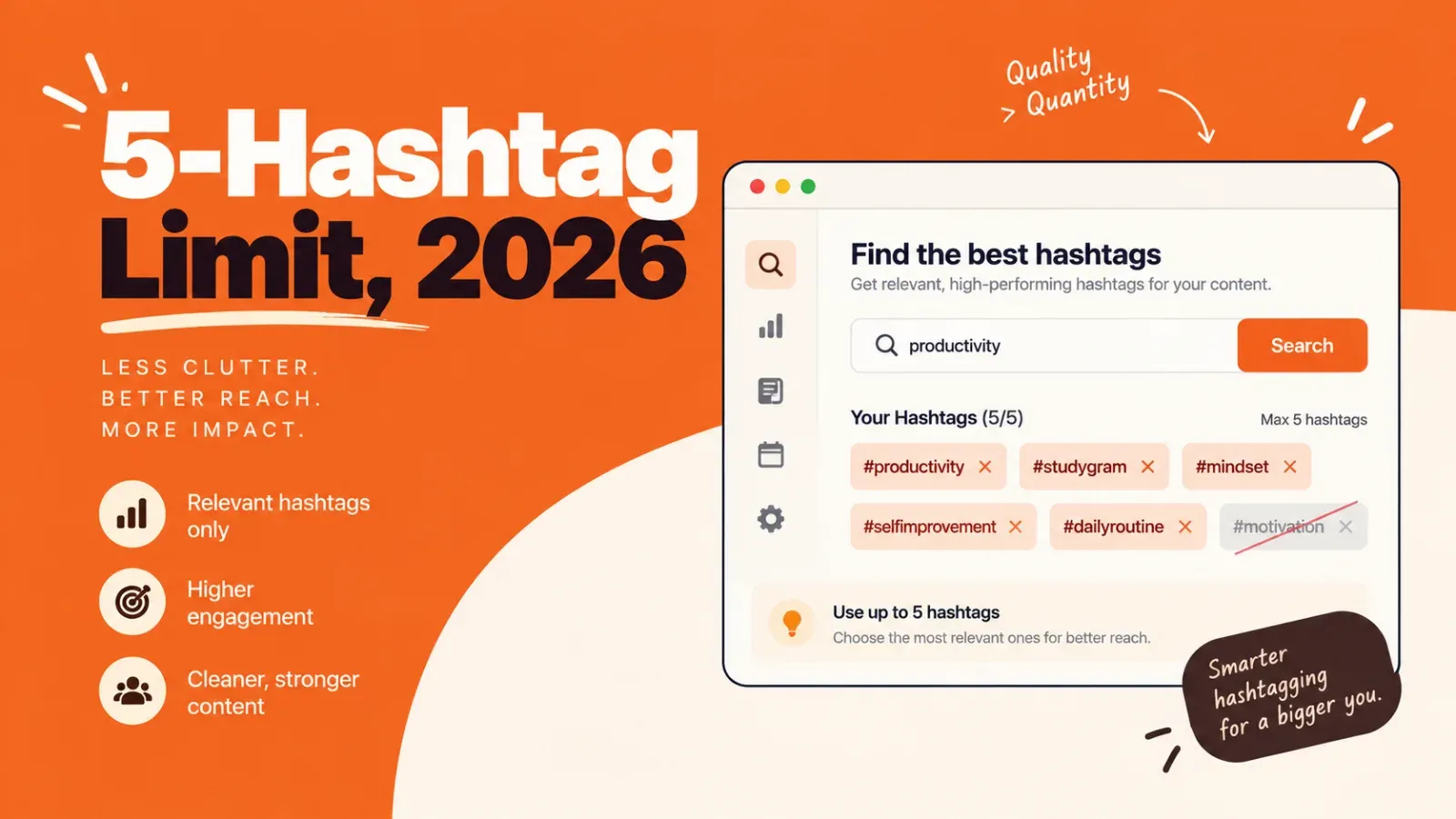
- Instagram now caps captions at 5 hashtags (announced December 2025), so any tool still pushing 20 to 30 tags is working off old advice.
- None of the seven tools below get penalized by Instagram's algorithm just for being AI-written. Boring captions get ignored, not flagged.
Table of contents
- How we evaluated these tools
- AI caption generators at a glance
- What each tool actually does with your caption
- Generic AI writers vs Instagram-native tools
- The 7 best AI Instagram caption generators
- Will AI captions hurt your reach
- Which tool should you pick
- Frequently asked questions
- Sources
How we evaluated these tools
We judged every tool on five things: whether it publishes through Instagram's official Graph API or just hands you text to copy, whether its pricing is public and honest, how much real caption help the AI gives (tone, hashtags, structure), whether a usable free option exists, and who it actually fits. We checked every pricing page in September 2026 and linked each one below.
AI caption generators at a glance
Seven tools made this list. Two well-known names did not: Jasper dropped its cheaper Creator plan in late 2025 and now starts at $69/month with nothing Instagram-specific to show for it, and Later's Caption Writer only works on Later's paid plans, so it isn't worth picking as a standalone caption tool.
| Tool | Best for | Free plan | Starting price |
|---|---|---|---|
| ReelDrop | Captions, hashtags, and scheduling in one login | Yes, unlimited scheduling, 3 AI captions/month | $9.99/month (Influencer) or $29/month (Creator, unlimited captions) |
| Flick | Instagram-specific captions plus serious hashtag research | 7-day trial only | £11/month billed yearly |
| Buffer AI Assistant | Posting to several platforms on a small budget | Yes, 3 channels | $5/month per channel (billed yearly) |
| Predis.ai | Generating the whole post, not just the words | Yes, about 15 posts/month, watermarked | $32/month month-to-month |
| Hootsuite OwlyWriter AI | Free one-off captions; teams already on Hootsuite | Free web tool, no login | $99/month (full platform) |
| Canva Magic Write | Drafting captions while you design the post | Yes, 25 prompts/month | $18/month (Canva Pro, or $15/month billed annually) |
| Copy.ai | Captions as a side task next to blog and email copy | No | $29/month ($24 billed annually) |
Best free option: Hootsuite's no-login OwlyWriter web tool if you just need one caption right now. ReelDrop's free Starter plan if you want the caption written, hashtagged, and scheduled from the same screen (three AI captions a month, unlimited scheduling, no card required).
A note on ReelDrop's free caption generator in the free tools section: it fills templates with your topic and does not use AI. The AI captions are inside the app. You upload a Reel and it writes three options, each with a tone label and a character count. The free plan includes 3 AI caption generations a month, Influencer has the same 3, and Creator makes them unlimited. Try AI captions free.
What each tool actually does with your caption
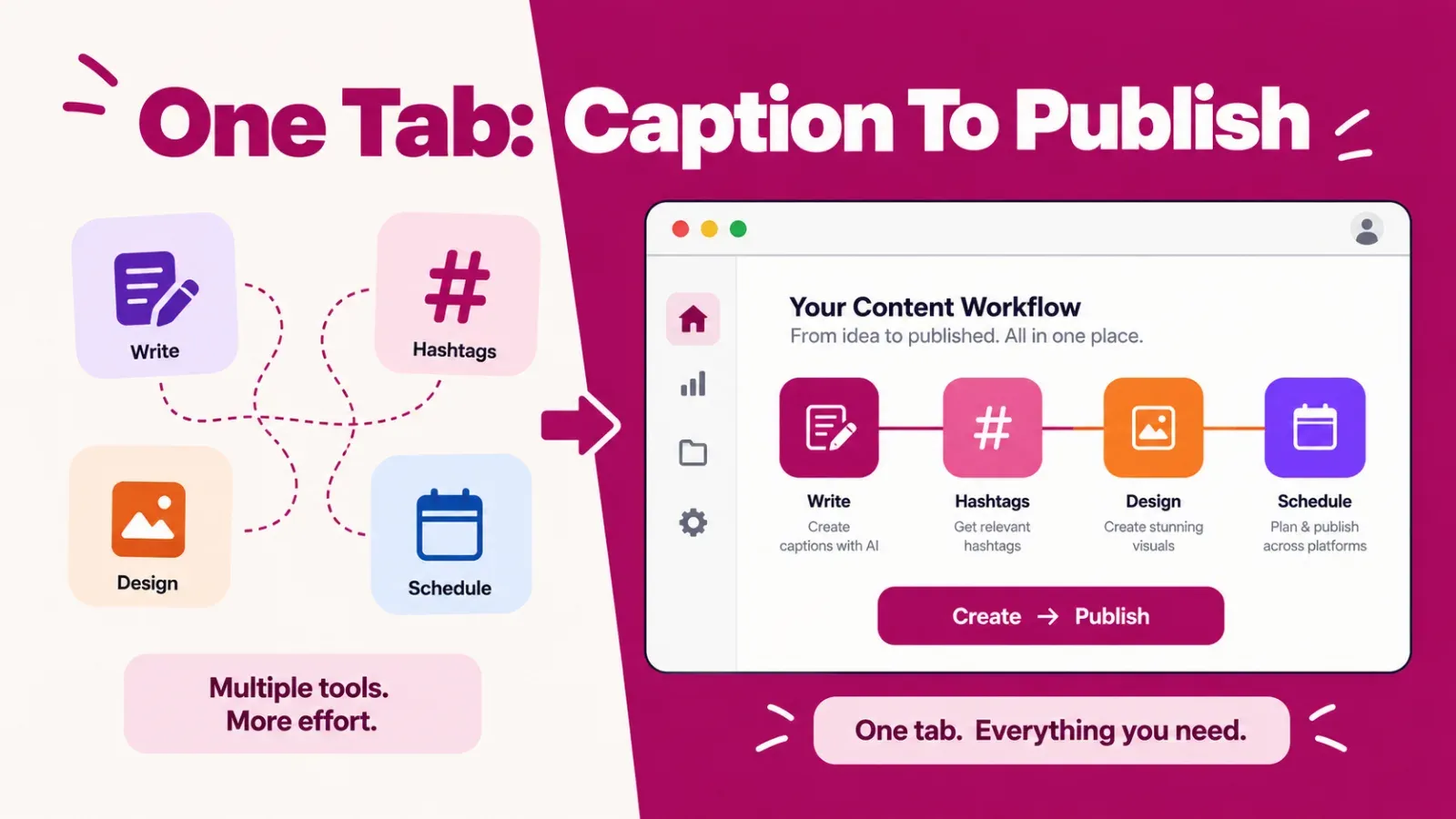
Every listicle for this keyword ranks tools by feature count. That tells you less than it looks like it does, because "has an AI caption generator" hides a real gap: does the tool write the caption and stop, or does it carry that caption all the way to a published post? We mapped the four steps a caption actually goes through, tool by tool.
| Tool | Writes in your tone | Generates matching hashtags | Schedules the post | Auto-publishes via official API |
|---|---|---|---|---|
| ReelDrop | Yes (tone label) | Yes (Creator plan) | Yes | Yes |
| Flick | Partial (tone not brand-trained) | Yes | Yes | Yes |
| Buffer AI Assistant | No | Paid plans only | Yes | Yes |
| Predis.ai | No | Yes | Yes | Yes |
| Hootsuite OwlyWriter | No | Yes (in-platform) | Platform only | Yes (platform only) |
| Canva Magic Write | No | No | No | No |
| Copy.ai | No | No | No | No |
Two tools finish all four steps: ReelDrop and Flick. Everything else drops a step somewhere, usually the tone-matching, which is the part that actually saves you from sounding like every other AI caption on the platform.
Generic AI writers vs Instagram-native tools
Half the "Instagram caption generator" results for this search are generic AI writers with an Instagram landing page bolted on. That isn't a scam exactly, but the difference shows up the first time you actually use one. A generic writer produces text. An Instagram-native tool knows what a caption is for: it structures a hook, respects Instagram's current 5-tag hashtag cap, and in the better cases publishes the post so you never touch a clipboard.
| Generic AI writer (Copy.ai, Canva Magic Write) | Instagram-native tool (ReelDrop, Flick, Predis.ai) | |
|---|---|---|
| Caption structure | You describe the hook and CTA in every prompt | Hook, body, and CTA are built into the templates |
| Hashtags | Guesses, sometimes still working from outdated 20-30 tag advice | Generated alongside the caption, aware of the 5-tag cap |
| Your voice | Paste example captions into every prompt and hope | Pick a tone before it writes; each option carries a tone label (ReelDrop) |
| Publishing | Copy and paste into Instagram or a scheduler | Schedules and auto-publishes via the official API |
| Instagram rule changes | The model has no idea unless you tell it | Keeping up with Instagram is the vendor's whole job |
| Monthly cost | $18 to $29 | $0 to $32 |
Generic writers still win in one situation: you already pay for one. If Canva Pro or Copy.ai is on your card for other work, captions come along at no extra cost, and that math is genuinely hard to argue with. Just know you're prompting a blank page, not using a purpose-built caption tool.
The 7 best AI Instagram caption generators
1. ReelDrop
ReelDrop treats the caption as one step in a bigger job: getting a post from idea to published without opening five tabs. You generate the caption, you pick the tone before it writes and each of the three options is labeled with it, the hashtag generator fills in tags that respect the 5-tag cap, and the post publishes at the time you picked through Instagram's official Graph API.
The honest part: ReelDrop is a younger product than everything else on this list, it's Instagram-only by design, and the tone-matching feature only gives you a label right now, not a percentage match score. If you manage client accounts across platforms, this isn't your tool yet. If you're one person running one Instagram account, the narrowness is closer to the point.
- AI captions with tone matching, so output reads closer to your old posts
- Dynamic hashtag suggestions generated for the specific post you're writing (Creator plan)
- Auto-publish for posts, reels, and carousels via the official Instagram Graph API
- AI carousel generator, plus running the whole scheduler from Claude over MCP
- 20 free no-signup tools, including a hook generator you can use without an account
Starter is free with unlimited scheduling and 3 AI captions a month. Influencer is $9.99/month or $79/year and unlocks unlimited DM automation, but caption volume stays capped at 3/month, since captions aren't what that tier is for. Creator is $29/month, $149/year on the current founding deal, or $249 one-time for lifetime access, and that's the tier where captions and hashtags go unlimited. Trade-off: Instagram only, so anyone posting to TikTok or LinkedIn needs a second tool. Account safety: ReelDrop is a Meta Tech Provider, publishing goes through Meta's approved API, and you never hand over your password.
2. Flick
Flick started as a hashtag research tool and grew into a full Instagram marketing platform, and it shows in the good way. Its caption generator writes for posts, carousels, Threads, and video scripts specifically, sitting next to hashtag research that's still among the best available anywhere. Of everything on this list, Flick feels most like it was built by people who spend all day inside Instagram rather than inside a general writing tool.
- Captions for posts, carousels, Threads, and video scripts
- Hashtag search, collections, and performance analytics
- Content idea generation for when the well runs dry
- Scheduling built into the same platform, publishing to Instagram directly
Pricing is in pounds since Flick is a UK company: Solo runs £11/month billed yearly, Pro is £24/month, Agency is £55/month, and every plan starts with a 7-day trial. There's no permanent free tier, which stings next to ReelDrop and Buffer both offering one. Trade-off: after the trial you pay or you leave, and yearly billing is the only way to get the advertised rate. Account safety: we couldn't confirm Flick as a listed Meta Business Partner on the pages we checked in September 2026. That's irrelevant to whether it writes a decent caption, but verify it yourself before handing any tool publishing access.
3. Buffer AI Assistant
Buffer's AI Assistant isn't an Instagram specialist, and honestly, that's fine, because Buffer's free plan is still the most generous route to AI caption help plus real scheduling in one place. The assistant drafts posts, rewrites them across networks, and suggests replies. The free plan covers 3 channels and 10 scheduled posts per channel with the assistant included.
- AI drafting and repurposing across 8+ networks
- Free plan with 3 channels and the AI Assistant included
- Unlimited AI credits once you're on Essentials
- Official API publishing, long-standing Meta Business Partner
Essentials costs $6/month per channel month-to-month, or $5/month per channel billed yearly, and unlocks unlimited posts plus unlimited AI credits. Trade-off: nothing here is tuned for Instagram specifically. There's no tone matching, no hashtag research to speak of, and per-channel pricing multiplies fast once you connect more accounts. Account safety: Buffer is a long-standing Meta Business Partner publishing through the official API, about as safe as third-party tools get.
4. Predis.ai
Predis.ai generates the whole post, not just the words. One prompt returns a caption, hashtags, and a designed carousel or video ad, all on the same content calendar. If your bottleneck is producing the visual rather than describing it, Predis is the most complete generator here, and one of the more Instagram-native ones too.
- Captions and hashtags generated together from one prompt
- AI-designed carousels and video ads, not just text
- Scheduling and publishing built in
- Free plan available (roughly 15 posts/month, watermarked, no commercial rights)
Core is $32/month billed monthly, or about $19/month if you commit to the year, and buys 1,300 credits (an image runs about 15 credits). Trade-off: everything runs on credits, and the free plan's watermark plus the credit math make it a little harder to predict what a heavy month will actually cost you. Account safety: Predis connects to Instagram for publishing, but we couldn't confirm Meta Business Partner status on the pages we checked, so do that homework before enabling auto-publish.
5. Hootsuite OwlyWriter AI
OwlyWriter is really two products sharing one name. The first is a free web tool that writes captions with no login, the fastest way on this whole list to get a caption for nothing. The second lives inside the full Hootsuite platform and generates captions, post ideas, and hashtags across every network Hootsuite supports.
- Free no-login caption generator on the web
- Captions, ideas, and hashtags inside the full platform
- Cross-platform output, not built specifically for Instagram
- A complete enterprise scheduling suite behind it, if you actually need one
The catch is what surrounds it: Hootsuite's full platform starts at $99/month on the Standard plan. Nobody should buy Hootsuite just to get OwlyWriter. It's a bonus for teams already paying, and $99/month is enterprise money for a person who just wants captions. Account safety: Hootsuite is one of the oldest Meta Business Partners in the industry and publishes through the official API.
6. Canva Magic Write
Magic Write is Canva's built-in text generator, and its whole case is convenience: you're probably already designing the post in Canva, so drafting the caption in the same window saves a tab. As a writer it's generic. It knows nothing about hooks, hashtags, or Instagram at all unless you spell it out in the prompt yourself.
- AI text drafting inside the Canva editor
- Caption and post design in one window
- Free tier includes 25 Magic Write prompts a month
- Higher usage limits and full Magic Studio access on Canva Pro
Canva Pro runs $18/month billed monthly, or $180/year, which works out to about $15/month if you pay yearly. Trade-off: Magic Write has zero Instagram awareness, and it's just a text generator, not a caption tool. Canva has added its own scheduling and social publishing option separately, which is a different permission flow entirely from Magic Write itself, so don't assume writing a caption here means it's ready to publish anywhere.
7. Copy.ai
Copy.ai is a general AI writing platform that's drifted toward sales and marketing workflows over the past couple of years. It writes perfectly fine captions if you prompt it well, the same way any general chatbot does, and that's precisely the problem: you're paying for prompting you could do somewhere else, with zero Instagram-specific features attached.
- Chat-style AI writing with unlimited words
- Workflow automation for repeatable marketing copy
- 5 seats included on the entry plan
- Strong at long-form; captions are a fraction of what you're paying for
The Chat plan costs $29/month, or $24/month billed annually, with 5 seats and unlimited chat words. No free plan is currently offered. Trade-off: that's the same monthly price as ReelDrop's Creator plan, which also schedules the post, generates hashtags, and builds carousels. Copy.ai earns its slot when Instagram captions are a side task next to blog posts, emails, and landing pages, because at long-form marketing copy it's genuinely strong. Account safety: no Instagram connection exists, so it's copy-paste only and carries no account risk.
Will AI captions hurt your reach
The algorithm doesn't care who wrote your caption. Instagram's confirmed ranking signals are behavioral: watch time and replays, sends per reach, likes per reach, and two-way conversation, according to Adam Mosseri's statements compiled across 2025 and 2026. None of those signals read authorship.
Two caveats worth knowing. Mosseri's year-end 2025 memo said Instagram would keep prioritizing "raw, real human content over AI-generated material" through 2026, and the platform's originality rules target AI-generated and reposted media specifically, so the pressure is real even if a written caption isn't the enforcement target. And a lazy AI caption still underperforms, not because it gets flagged but because readers scroll past generic. The fix is unglamorous: edit the output, keep your voice or use a tool that matches it, and open with a hook that earns the pause.
Which tool should you pick
You post only to Instagram and want the caption written and scheduled in one tab: ReelDrop.
You take hashtag research seriously and want captions from the same vendor: Flick.
You post to three or more platforms on a small budget: Buffer.
You want the image, caption, and hashtags generated in one shot: Predis.ai.
You need a decent caption right now, free, no signup: Hootsuite's OwlyWriter web tool.
You design everything in Canva anyway: Magic Write.
Captions are a footnote next to your blog and email output: Copy.ai.
If you're also weighing hashtag tools on their own, our breakdown of the best Instagram hashtag generators covers the 5-tag limit in more detail, and if you want the caption and a full carousel from one prompt, see our AI carousel generator roundup.
Frequently asked questions
Which AI caption generator is best for Instagram in 2026?
ReelDrop is the best pick for solo creators because it writes captions in your tone, adds hashtags, and schedules the post through Instagram's official API from one login. Flick is the strongest Instagram-specific alternative for hashtag-heavy workflows, and Buffer's AI Assistant is the best value if you post to several platforms at once.
Is there a free AI Instagram caption generator?
Yes. Hootsuite's OwlyWriter web tool generates captions free with no login required. Buffer's free plan includes its AI Assistant on up to 3 channels. ReelDrop's free Starter plan includes 3 AI captions a month plus unlimited scheduling and free no-signup tools like a hook generator.
Does Instagram penalize AI-generated captions?
No. Instagram's ranking signals measure how people respond, through watch time, sends, and likes, not who wrote the caption. Mosseri's 2025 year-end memo did say Instagram favors raw human content, and its originality rules target recycled media. A generic AI caption underperforms because it's boring, not because it's flagged.
Can an AI caption generator match my writing voice?
Some can. ReelDrop lets you pick a tone before it writes and labels each of the three options with its tone. It does not learn from your past captions yet, and a score that compares each option with your usual voice is still on its roadmap. With generic writers like Copy.ai or Canva Magic Write, you paste example captions into every prompt and hope the model picks up the pattern, which works maybe half the time.
How many hashtags should an Instagram caption include in 2026?
Up to five. Instagram announced in December 2025 that captions are capped at 5 hashtags, saying fewer, more targeted tags perform better than many generic ones. Any caption tool still recommending 20 or 30 hashtags is working from pre-2026 advice and deserves your suspicion.
Do caption generators post to Instagram for you?
The Instagram-native ones do. ReelDrop, Buffer, Hootsuite, Flick, and Predis.ai all schedule and publish the post along with the caption. Canva Magic Write and Copy.ai only produce text, so you copy the caption into Instagram or a scheduler yourself. That extra step matters more than it sounds like it should.
How much does an AI caption generator cost?
Anywhere from $0 to $99 a month. Free options exist: Hootsuite's web tool, Buffer's free plan, and ReelDrop's Starter plan. Instagram-native paid plans run $10 to $32 a month, Flick's Solo plan is £11 a month billed yearly, and Hootsuite's full platform starts at $99 a month.
Sources
- ReelDrop's free Instagram caption generator (no signup)
- ReelDrop vs Later, for anyone comparing this list's caption tools against Later's own Caption Writer
- ReelDrop's Instagram tool alternatives hub
- CNBC: Instagram now has 3 billion monthly active users
- Socialinsider: 2026 Instagram organic engagement benchmarks
- Social Media Today: Instagram implements new limits on hashtag use
- DataSlayer: Instagram algorithm ranking signals Mosseri confirmed
- Flick pricing
- Buffer pricing
- Predis.ai pricing
- Hootsuite OwlyWriter AI
- Hootsuite free AI caption generator
- Canva pricing
- Copy.ai pricing
- Jasper pricing
- Later's caption writer