Are Instagram Scheduling Apps Safe? What Meta Actually Allows (2026)
Scheduling apps are safe on Meta's official API and unsafe when they take your password. What Meta allows, tool by tool.

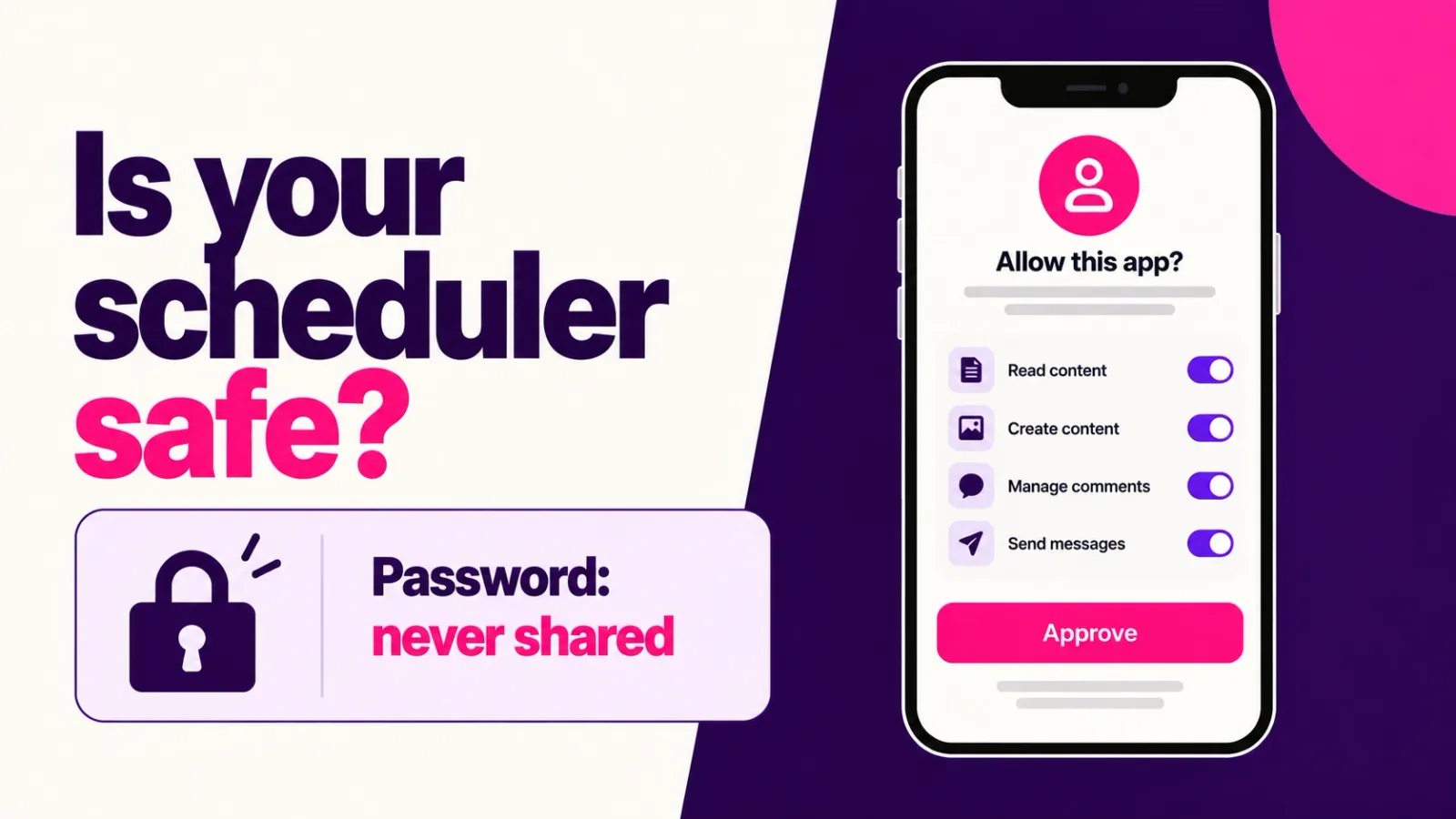
Yes, as long as the app connects through Meta's official Instagram API and never asks for your Instagram password. Meta added paid partnership and AI labels to that API in 2026, so tools on the official route can now publish more without leaving it. The apps that put accounts at risk are the ones that log in as you.
Updated: October 2026
TLDR
- A scheduler is safe when you approve it on Instagram's own screen, it receives a scoped token, and it never asks for your password.
- Buffer, Later, Metricool, Publer, Hootsuite, Planoly and ReelDrop all describe that kind of connection in their help pages. What separates them is features, not safety.
- Meta's Terms of Use ban collecting Instagram passwords, and its 2018 enforcement went after apps that inflated likes, follows and comments.
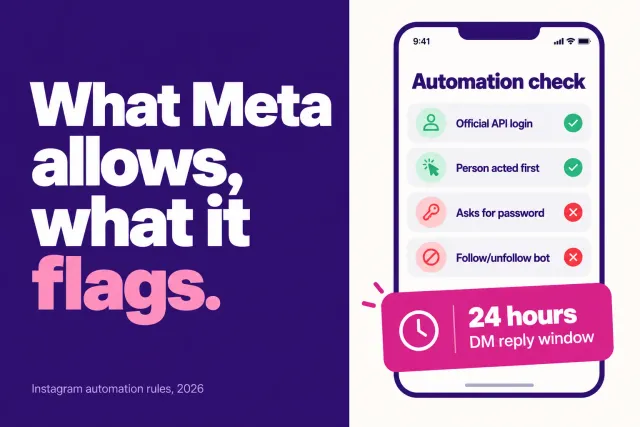
- Meta caps API publishing at 100 posts per account in a rolling 24 hours and tells scheduling apps to enforce that cap themselves.
- Auto-publishing needs a Business or Creator account. A tool that auto-publishes to a personal account on its own is not using the official route.
Quick answers
- Can a scheduling app get my account banned? We found no Meta statement that penalizes publishing through its API. Meta's published enforcement targets password sharing and fake engagement.
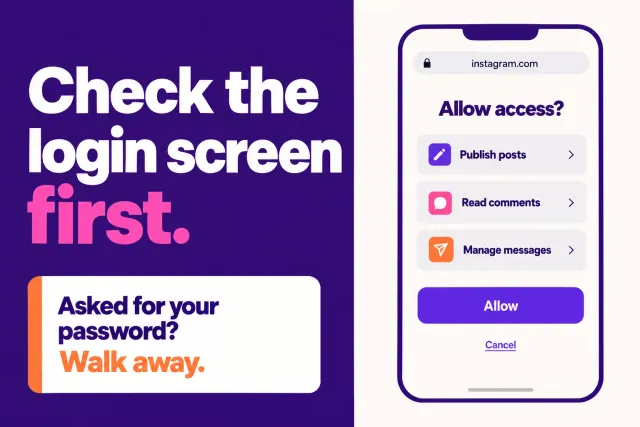
- How do I tell if an app uses the official API? Read the address bar on the login screen. It should say instagram.com or facebook.com, not the app's own domain.
- Do I need a Business or Creator account? Yes, for auto-publishing. Personal accounts get reminder notifications at best.
- How many posts can an API tool publish? 100 per account in a rolling 24 hours, and a carousel counts as one.
- Can I cut an app off later? Yes, from the Apps and websites list in Instagram's settings.
Table of contents
- What changed for scheduling apps in 2026
- What does Meta actually allow?
- How do safe schedulers connect to your account?
- Which scheduling apps connect the safe way?
- What actually gets accounts in trouble?
- How to vet a scheduler in two minutes
- Do you need a third-party app at all?
- Frequently asked questions
- Sources
What changed for scheduling apps in 2026
Meta's Instagram Platform changelog has two entries this year that matter if you schedule posts. On April 22, publishing apps gained the ability to set the "Paid partnership" label at publish time, with up to two brand partners tagged. Meta's launch post says creators using third-party scheduling tools previously had to add that label by hand in the Instagram app after the post went live. On June 22, the same publishing call gained an AI info label for content you want to disclose as AI-generated.
None of this loosens a rule. These are new options inside the official route, and each scheduler decides whether to build them. Meta's launch post files the April features under its Facebook Login version of the API, so what you get can depend on how a tool connects.
A practical question for any scheduler you use on sponsored posts: does it set the partnership label at publish time, or do you still fix it by hand afterward?
What does Meta actually allow?
Meta documents third-party publishing in its Content Publishing guide. Apps can publish single images, videos, Reels, carousels and Stories to Instagram professional accounts through Meta's login flow. The guide caps API publishing at 100 posts per account in any rolling 24 hours, counts a carousel as one post, and tells apps that offer scheduling to enforce the same limit themselves. One line further down the page still says 50, which looks like a leftover.
The rules for everyone else sit in Instagram's Terms of Use. You can't solicit, collect or use other people's login credentials, and you can't request or collect Instagram usernames and passwords. You also can't access or collect information in automated ways without Meta's express permission. The enforcement side comes from Instagram's 2018 post on removing fake likes, follows and comments. It said Instagram would remove inauthentic activity from accounts using third-party apps to boost popularity, and that anyone who got an in-app warning should change their password to revoke the app's access.
That is the published picture, and it has a gap. We found no Meta statement saying a password-based scheduler gets accounts banned. Claims about how often bans happen come from vendor blogs, so treat any precise percentage as marketing.
How do safe schedulers connect to your account?
You click Connect, land on a Meta-hosted approval screen, see the permissions the app wants, and approve. The app receives a token scoped to those permissions. It never sees your password, and you can revoke the token later.
Two flavors exist. Instagram login, which Meta launched on July 23, 2024, does not require a Facebook Page. The older Facebook login route does. Metricool and Publer offer both routes in their help pages, while ReelDrop's connection guide says it uses Instagram login only and needs no Facebook Page.
This is where people get nervous. Some help pages describe the Instagram login route as signing in with your username and password. Metricool's does, and Publer's tells you to enter the account credentials and then authorize the app. Both pages also say the connection runs on Meta's API. Neither says which domain the login box sits on, so check the address bar yourself. A box on instagram.com means you are signing in to Instagram. A box on the scheduler's own domain means the scheduler is collecting your password.
Which scheduling apps connect the safe way?
We read each tool's own help pages in October 2026. We did not test every login, and we did not check each company's status in Meta's partner directory, because those pages block automated fetching. Treat the table as documentation, not an audit.
| Tool | How it connects, per its help pages | Auto-publish needs | On a personal account |
|---|---|---|---|
| Buffer | Instagram API for automatic publishing | Business or Creator account | Reminder notification, you finish the post in the app |
| Later | Instagram API, as a partner platform | Business or Creator profile | No Auto Publish |
| Metricool | Meta's official API, through a Facebook Page or Instagram login | Business or Creator account | Not supported |
| Publer | Instagram API, through Facebook login or Instagram login | Business or Creator account | Not supported |
| Hootsuite | Facebook-based API connection | Business profile linked to a Facebook Page, for full direct publishing | Limited access |
| Planoly | Facebook-linked connection | Business or Creator account | Not eligible for auto-posting |
| ReelDrop | Instagram login on instagram.com, five scoped permissions | Business or Creator account | Not supported |
| Apps that ask for your password | Your Instagram username and password typed into the app's own form | Whatever the app fakes | Often accepted, which is the tell |
Every named tool connects through Meta's API, so they sit in the same safety lane. The last row is the tell. Buffer's help attributes its personal-account limits to the API, so an app that auto-publishes to a personal account on its own is not using the route the other rows use. That is our inference, not a Meta statement.
ReelDrop is our product, so weigh its row accordingly. It runs on the official Instagram API and is a Meta Tech Provider, which is a separate program from Meta's Business Partner directory. It requests five permissions, never asks for your password, and its free Starter plan includes unlimited scheduling and posting. See its safety page and the guide to API auto-publishing.
What actually gets accounts in trouble?
Three patterns come up in Meta's own material, and none of them is "using a scheduler."
The first is handing over your login. The Terms of Use ban collecting passwords, and Instagram's data scraping help page lists using an app or service to interact with Instagram in unauthorized ways among the reasons an account gets restricted. Our reading is that a tool logging in as you from a data center also looks like an account takeover.
The second is automated engagement. The 2018 enforcement targeted apps that generated likes, follows and comments to inflate popularity, and a scheduler that only publishes your own posts does none of that. Our guide to the safest Instagram tools covers the risky categories, and the sibling piece on third-party apps and bans covers Meta's partner system.
The third has nothing to do with the app. A scheduler cannot change what happens when a post breaks Instagram's rules, and queueing a flood of posts on one account will hit the 100-a-day API cap. If an account does get restricted after you connect a tool, check Account Status first, run the free shadowban checker, and read why accounts actually get banned.
How to vet a scheduler in two minutes
- Start the connection and read the address bar on the login screen. It should say instagram.com or facebook.com. If it shows the tool's own domain, stop.
- Read the permission list on Meta's approval screen. A scheduler that asks to manage messages or comments should have a feature that needs them.
- After connecting, open Instagram's settings and find the Apps and websites list under Website permissions. The tool should appear there with a remove button. A password-based app should not, because Instagram sees it as you.
- Ask how the tool publishes to a personal account. The honest answer is reminder notifications, which is what Buffer and Planoly describe.
- Find the tool's Meta status in its own documentation, then verify it in Meta's directory. Tech Provider and Business Partner are different programs, and a badge for one is not the other.
Do you need a third-party app at all?
Maybe not. Instagram has built-in scheduling, and Meta Business Suite schedules posts too. Both are Meta's own software, so no third party touches your account. For one account and a few posts a week, that is where we would start.
A third-party scheduler earns its place when you need other platforms, bulk uploads, deeper analytics or DM automation. Those are feature reasons. The safety test is how it connects, so before you connect anything new, read the address bar.
Frequently asked questions
Can a scheduling app get my Instagram account banned?
Not for publishing through Meta's official API. We found no Meta statement that penalizes that, and Meta documents the route, including a cap of 100 API-published posts per account per day. The risk comes from apps that take your password or automate likes and follows, which Meta has acted against since 2018.
Is it safe to connect a scheduler to my Instagram account?
Yes, if you approve it on Instagram's own screen and the app only receives a scoped token. You can read the permissions before approving and revoke access later from Instagram's settings. Never type your Instagram password into a form on the scheduler's own domain.
Why won't my scheduler connect to a personal Instagram account?
Meta's publishing API works with Business and Creator accounts, so tools cannot auto-publish to personal ones. Buffer, for example, falls back to push notifications that remind you to post by hand. Switching to a professional account is free in Instagram's settings.
What if the connection screen asks for my Instagram username and password?
That can be legitimate. In Meta's Instagram login flow, the sign-in box is Instagram's own page. The test is the address bar. If the box sits on instagram.com, you are signing in to Instagram, not to the app. If it sits on the scheduler's own domain, that app is collecting your password. Close the tab.
How do I remove a scheduling app's access to Instagram?
Open Instagram's settings and find the Apps and websites list, which sits under Website permissions. Pick the app and remove it. Most tools also have a disconnect button that revokes the grant. If you ever typed your password into an app, change it, as Instagram told affected users to do in 2018.
Is Meta Business Suite safer than a third-party scheduler?
It involves no third party at all, since Meta builds and runs it, so on pure risk it wins. Third-party schedulers on the official API sit in the same sanctioned lane. You pick one for features you want beyond Meta's tools, such as more platforms, bulk uploads or analytics, not for a safety difference.
Sources
- Meta for Developers: Content Publishing guide
- Meta for Developers: Instagram Platform changelog
- Meta for Developers: Instagram API updates (April 22, 2026)
- Social Media Today: Meta expands Instagram management APIs (April 23, 2026)
- Instagram: Removing fake likes, follows and comments (2018)
- Instagram Terms of Use
- Instagram Help: Data scraping restrictions
- Instagram Help: Create and manage scheduled posts and Reels
- Buffer Help: Scheduling Instagram posts
- Later Help: Instagram publishing restrictions
- Metricool Help: Connection types
- Publer Help: How to connect Instagram accounts
- Hootsuite Help: Add an Instagram business profile
- Planoly Help: Auto-post guidelines
- How Instagram API auto-publishing works
- Is ReelDrop safe?
- 8 Safest Instagram Tools in 2026
- Free Instagram shadowban checker